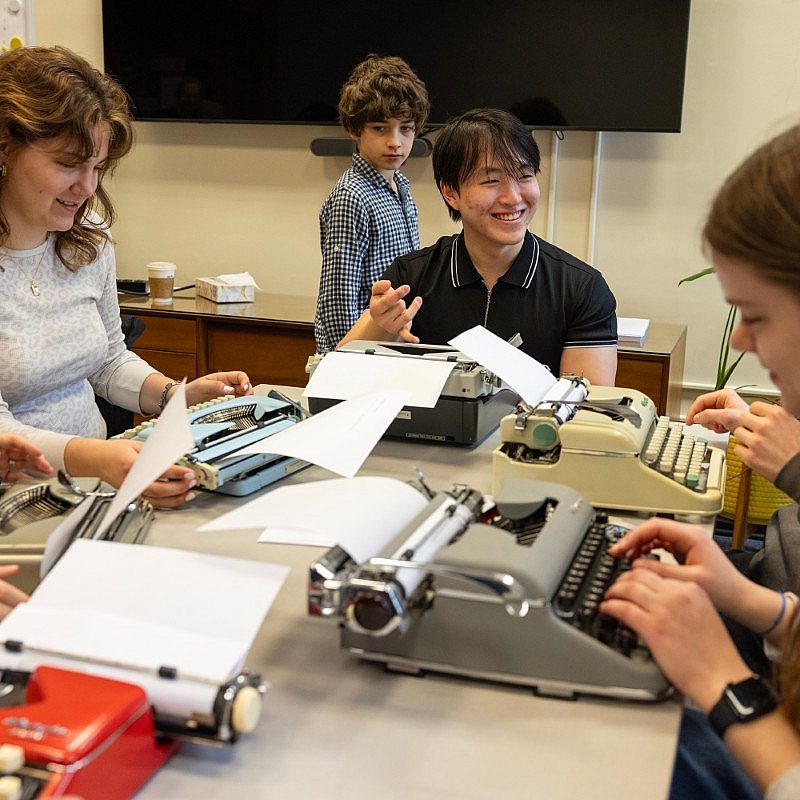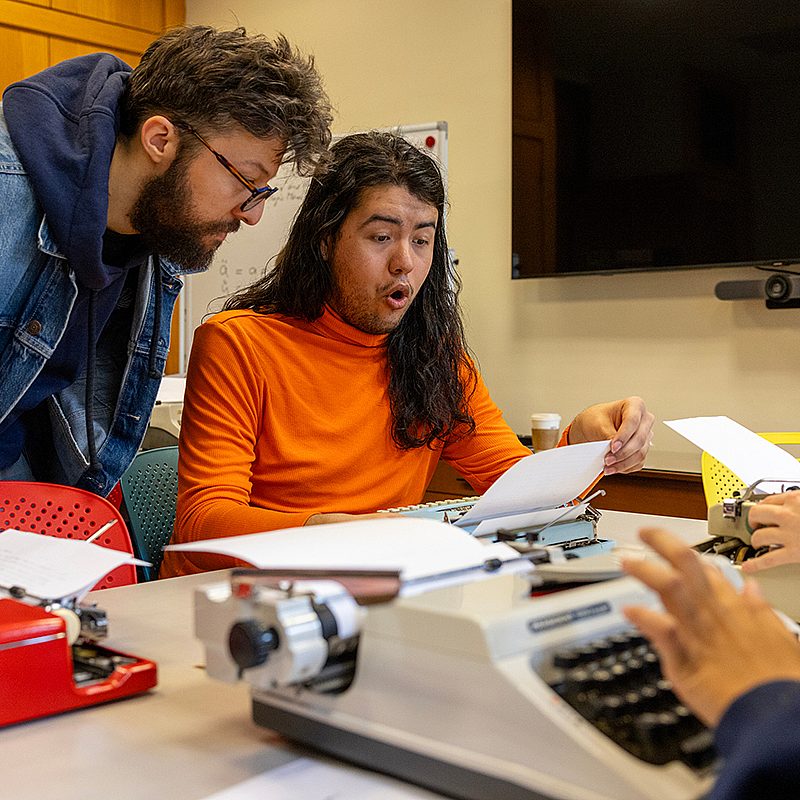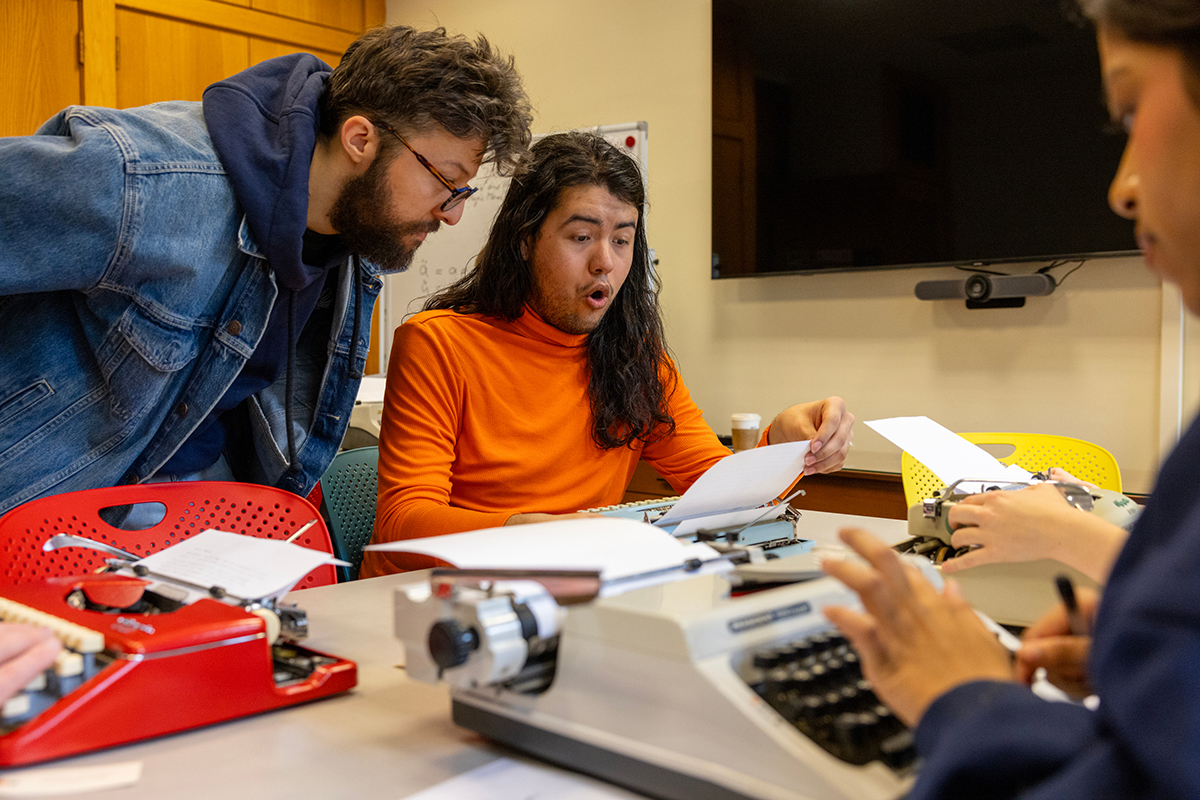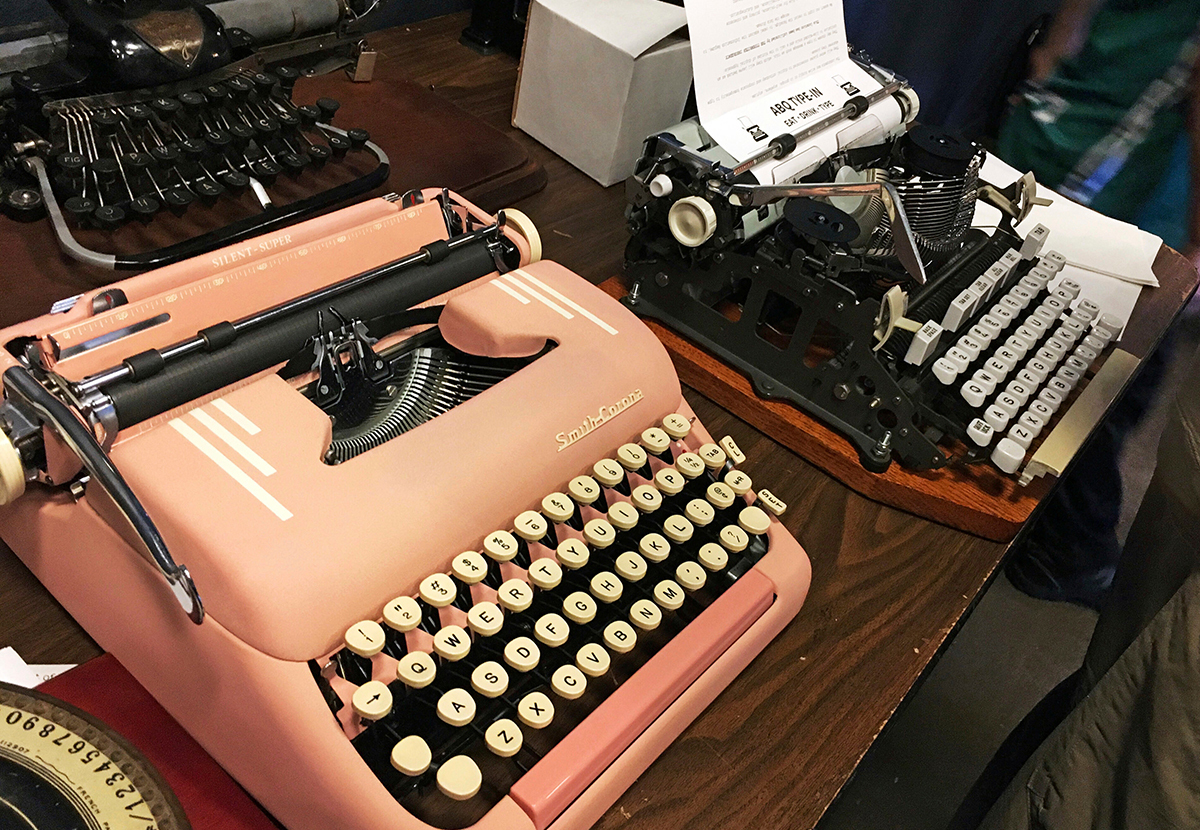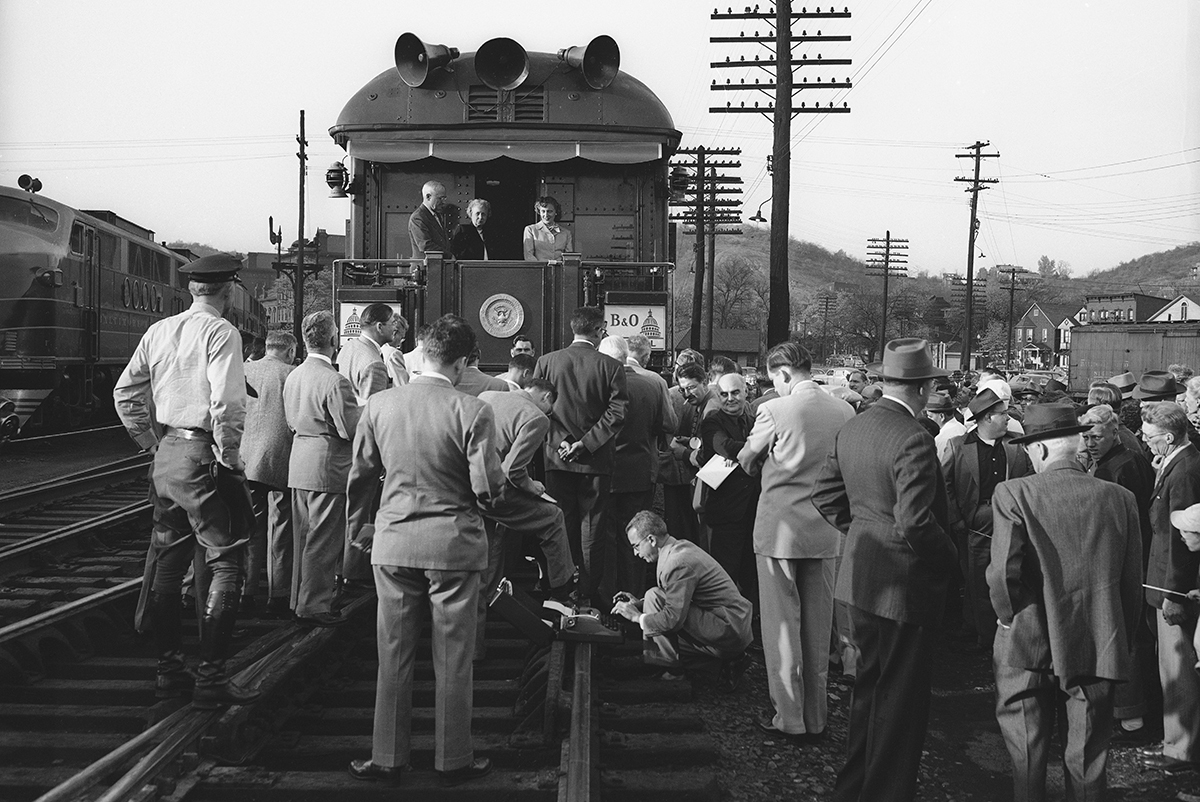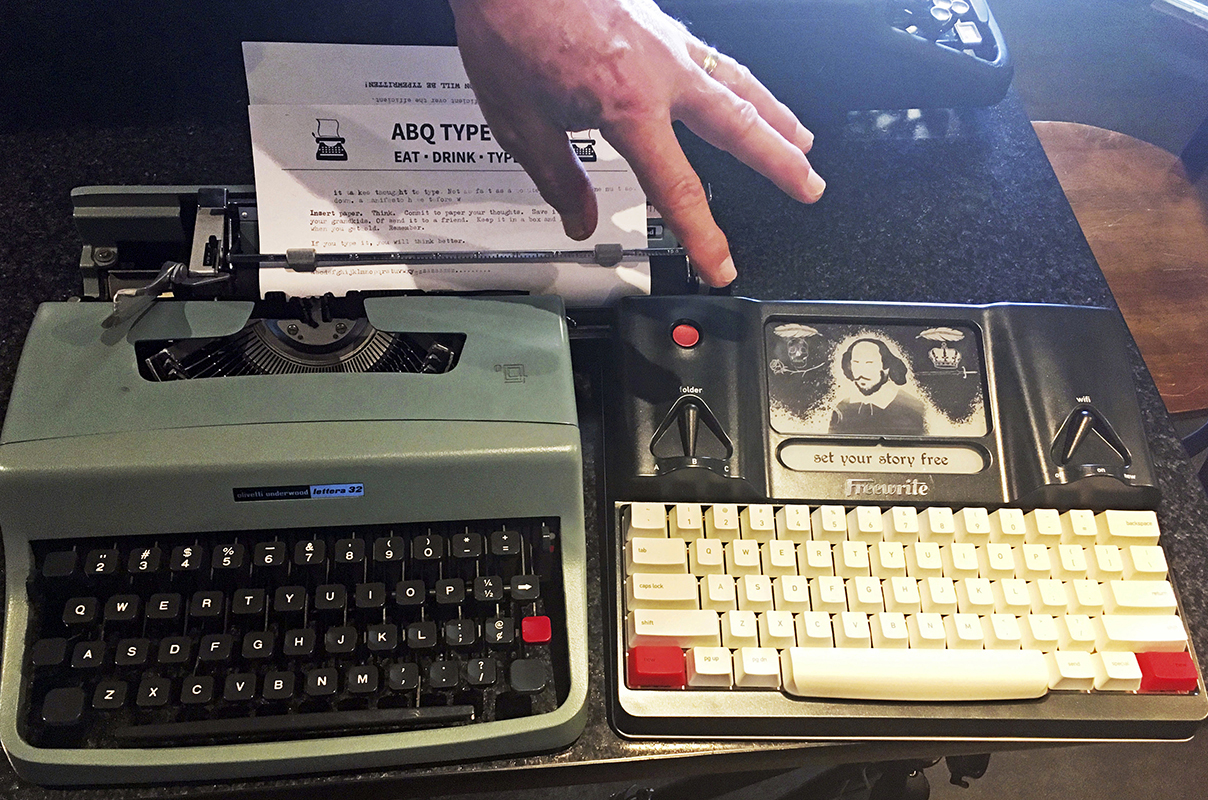
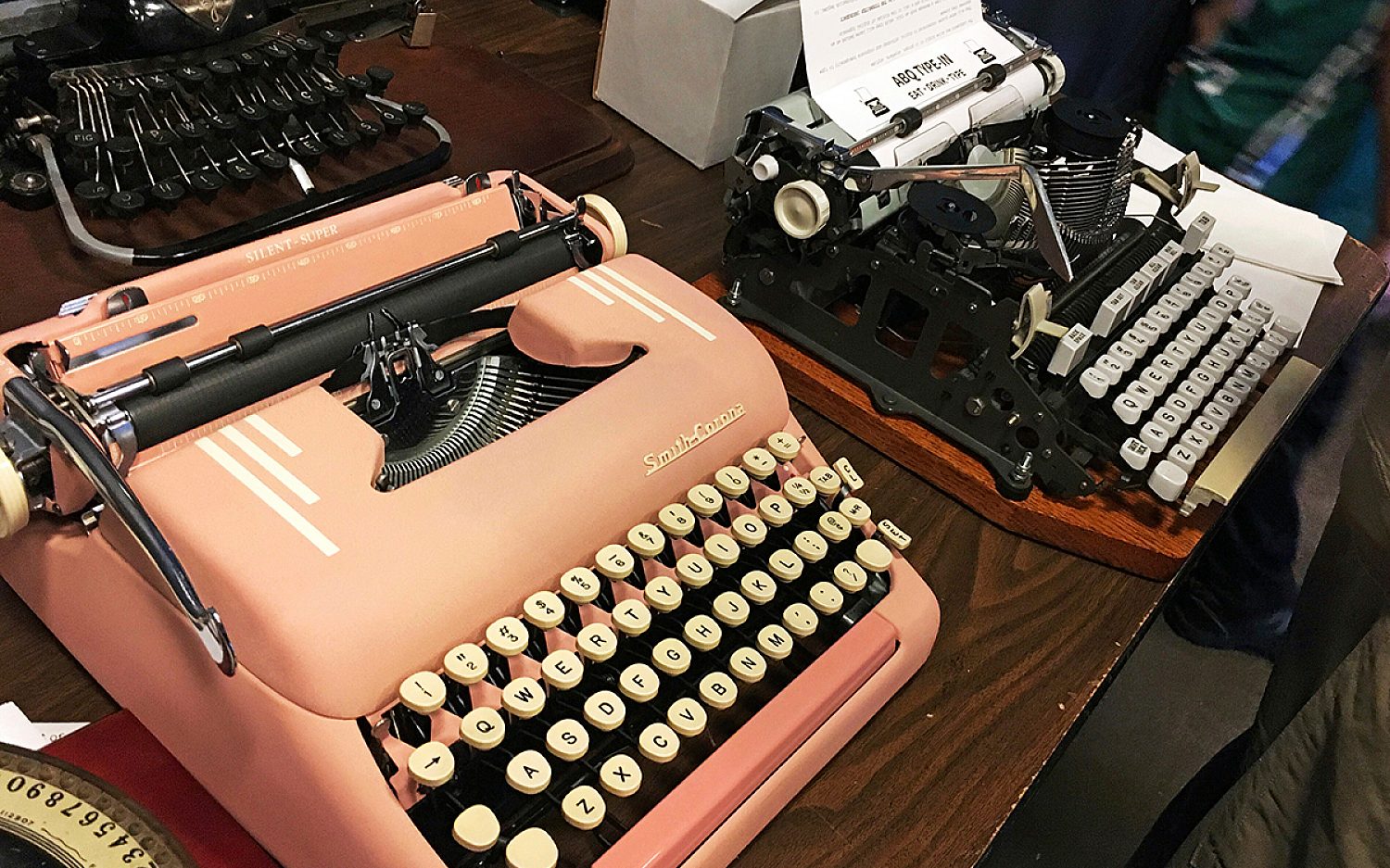
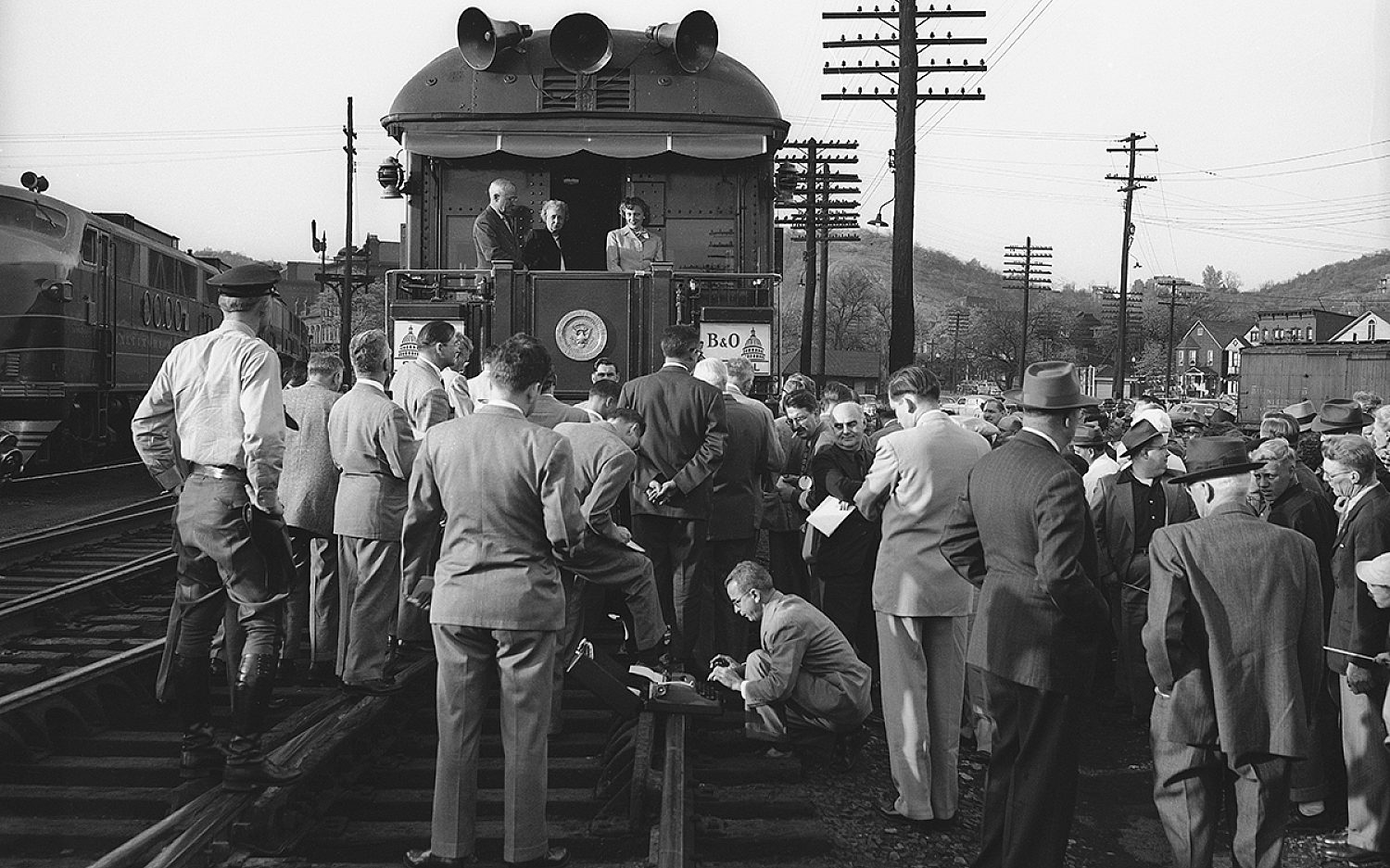
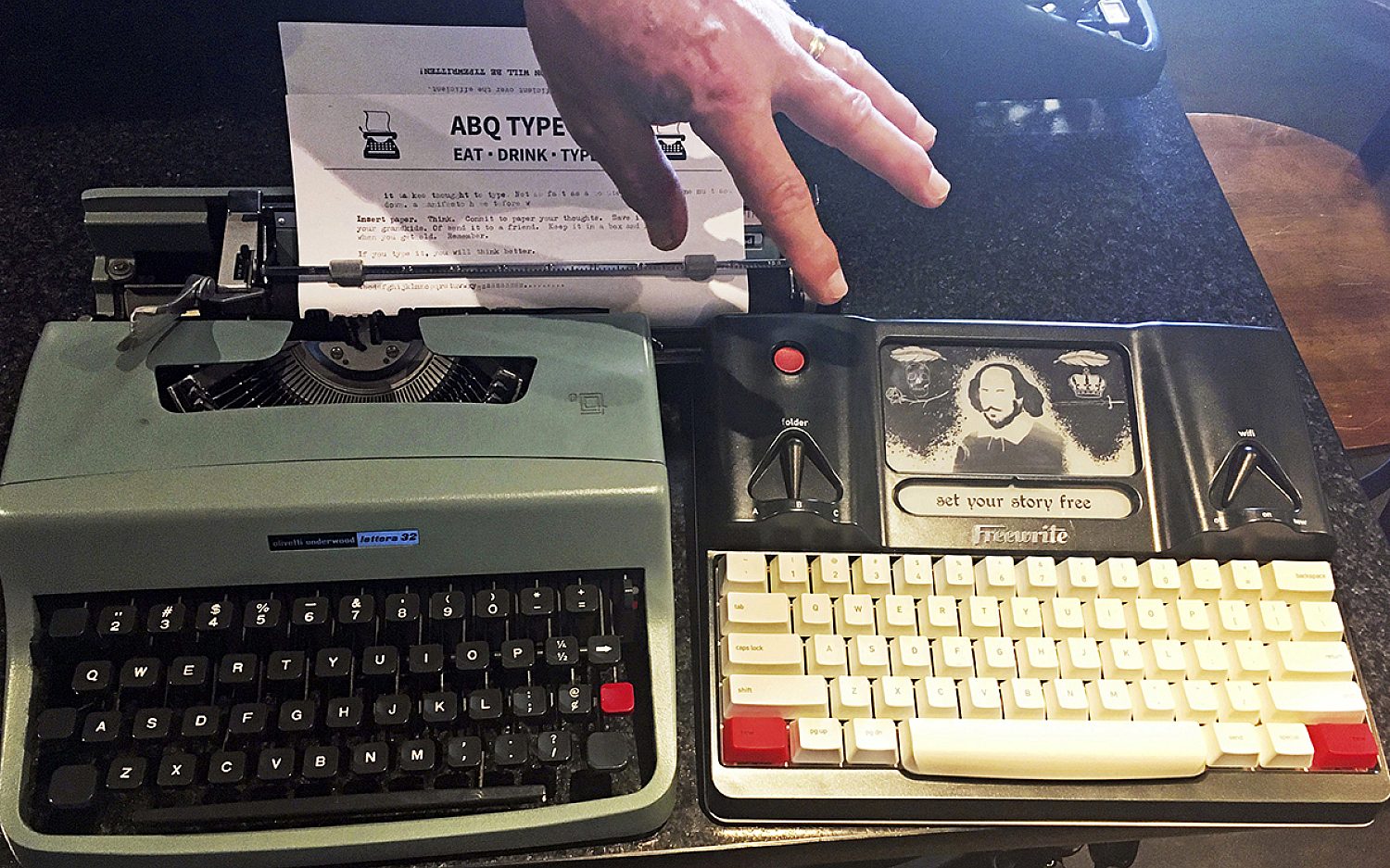
A typewriter looks simple. But it’s not simple to use—especially if you’re used to typing on computers and smartphones.
Some tips:
Feed the paper into the machine by hand. Make sure to keep it straight!
Strike the keys hard . . . but not so hard that ink smudges.
Listen for the ding when you get to the end of a line. The ding means you need to press the key marked “return.” This moves the carriage (the part of the machine doing the actual writing) to start the next line. That’s why it’s called return. It returns to start again at the left side of the page. (In even older typewriter models, you use a return handle to slide the carriage back to its starting point.)
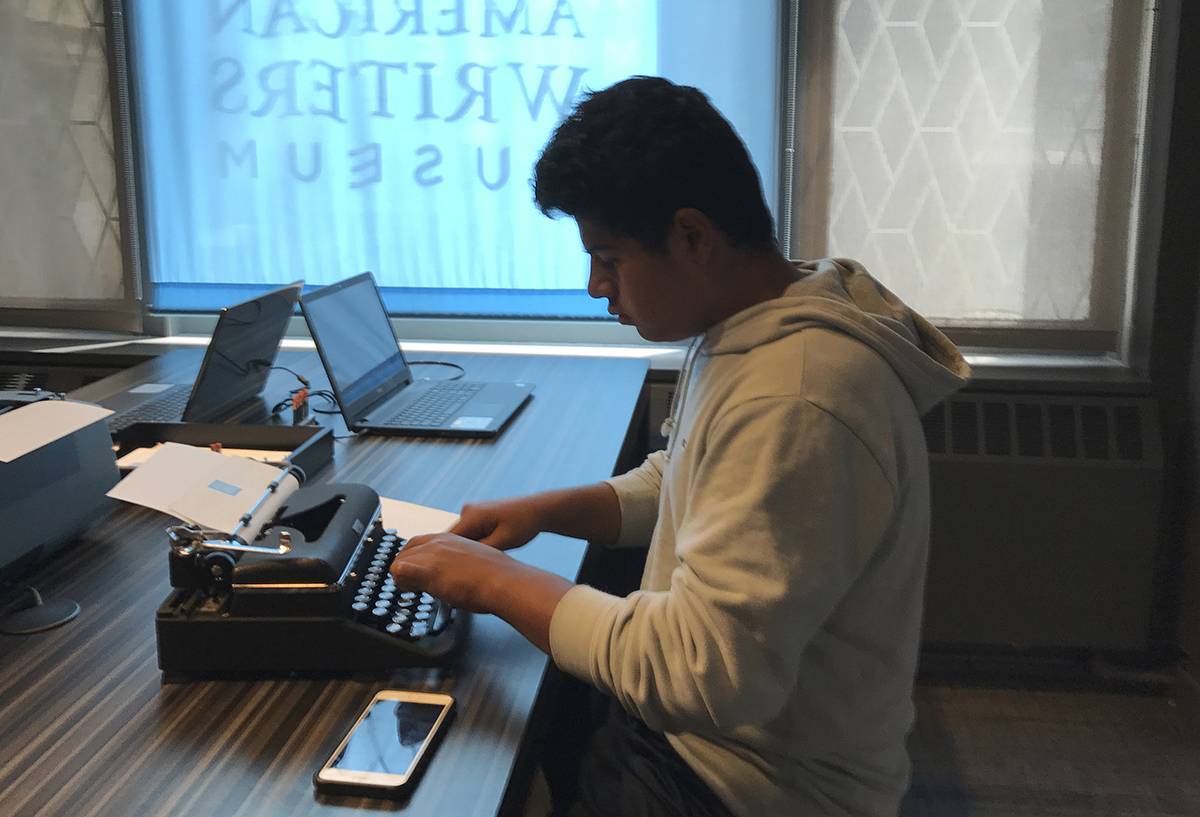
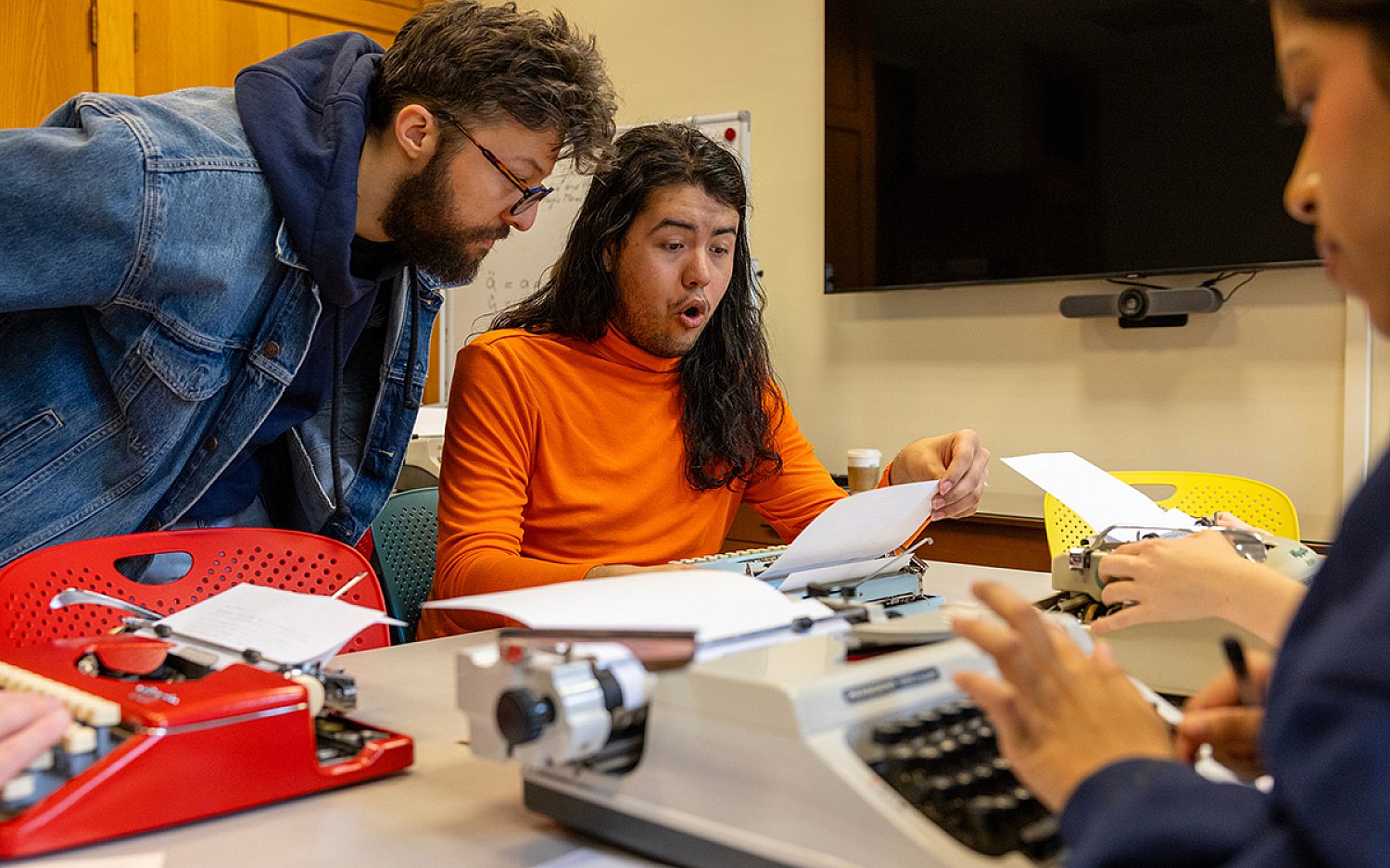
“Everything slows down,” says Ms. Phelps. “It’s like back in the old days when you really did one thing at a time. And there was joy in doing it.” Mrs. Phelps brings in her two kids, aged seven and nine, to serve as “tech support.” The kids also make sure no students have their phones out.
Why?
No screens means no notifications. No distractions.
No Google means asking classmates for help instead.
No delete key means no correcting every mistake. (Until later, with a pen!) That means thinking carefully about what you write before you write it.
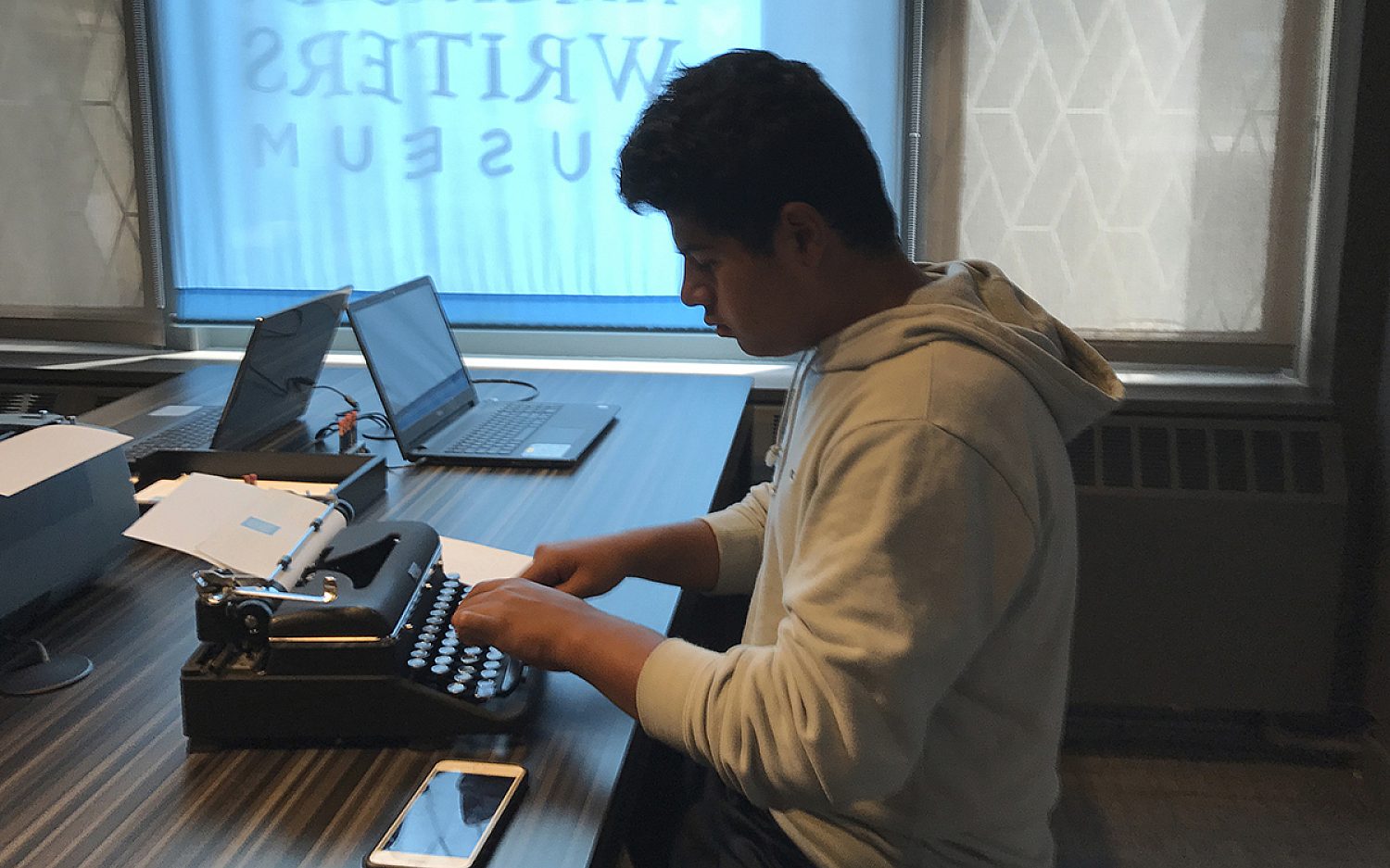
“This might sound bad,” says one student, “but I was forced to actually think about the problem on my own instead of delegating to AI or Google search.”
Typewriters surprise students in another way too. On an ordinary computer keyboard, their pinkies easily reach keys on the far left and far right. Not so on a typewriter. In many cases, their pinkies weren’t strong enough to touch-type. So they typed more slowly, pecking at the keyboard with their pointer fingers.
Less typewriter use means weaker pinkies! More means stronger brains—and honest students.
Whoever walks in integrity walks securely, but he who makes his ways crooked will be found out. — Proverbs 10:9
Recommended Reading: For more on typewriters, read Olivetti by Allie Millington.